bet365 UK

wordpress joomla template

January 2013 UG Meeting

Written by VidhyaSagar on . Posted in CSSUG

Advance New Year wishes to everyone Smile, wonderful year is awaiting for you.

We have planned our next UG meet on 19th Jan 2013. This is the first session which we are going to have it the year 2013. We need all your support to continue the UG session through out 2013 as we did for this year.

Please pass this information to your colleagues and friends who are interested to learn SQL Server. We would also like to hear your feedback about session, speakers, other arrangements etc.

Session details below

SQL Server 2008 Performance Tuning by Ram Kumar

Data Quality Services – SQL Server 2012 by VidhyaSagar

Venue: Microsoft Training Centre, Radhakrishnan Salai, Chennai
Landmark: Opposite to President hotel
Timing: 09:00 AM to 01:00 PM
Date: 19th January 2013 (Saturday)

Registration is required so please register yourself now.

<<Registration Closed>>

UPDATE:

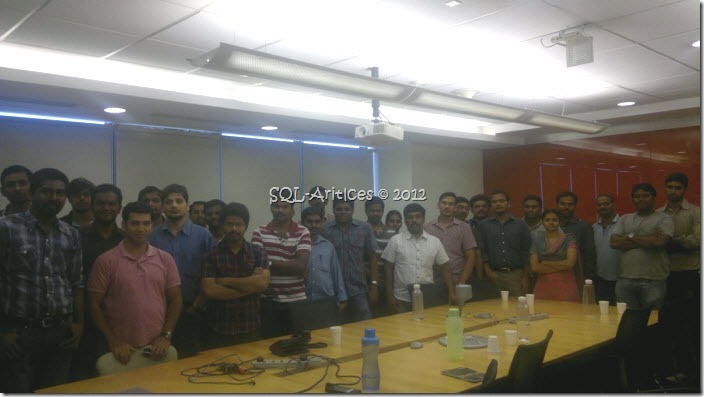
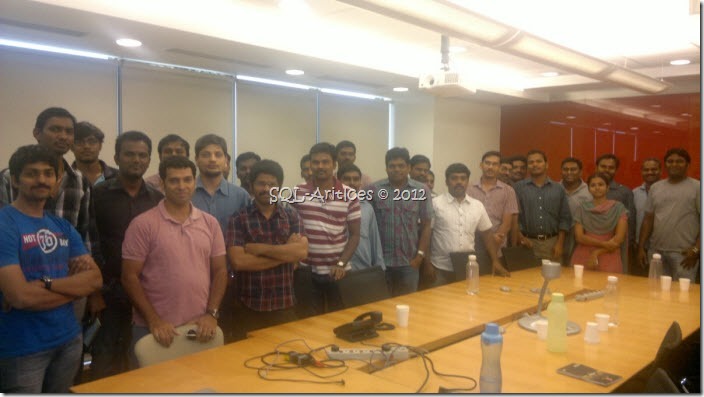
Thanks to all the participants for making the event more interactive. We are happy to hear feedbacks from you please write it to us.

Pic’s
jan_2013_ug_1

jan_2013_ug_2

Presentation Materials

SQL Server 2008 Performance Tuning Part 1

VN:F [1.9.22_1171]
Rating: 0.0/5 (0 votes cast)
VN:F [1.9.22_1171]
Rating: +2 (from 2 votes)

Tags: , , , , ,

Trackback from your site.

Comments (1)

  • Kamaraj P

    |

    Nice to see the activities

    Reply

Leave a comment

*

Recent Comments

Engin Ardıç

|

Thank you for nice article! That’s so helpful for me.

VidhyaSagar

|

Sure will plan something when you come here

Mohamed Kabiruddin

|

Hi Vidhysagar & Team,
I am happy to hear that the SQL Server User Group in Chennai is active and going strong. I came across your blog and wanted to attend one of your user group meetings.

I am basically a Chennai-ite and work as a Microsoft BI Consultant in Australia. I am an active member of PASS SQL Team in Australia and have also presented for PASS SQL Saturdays in Australia. I visit Chennai almost every year for holidays and I would love to attend one your sessions. I am happy to speak on any particular topic of interest and discuss case studies on some of the projects and the industry in Australia as well.

I recently presented on “Agile BI with SQL Server 2012″ for PASS. I am coming down to Chennai this August 2013 for a fortnight. Please feek free to get in touch.

Cheers,
Mohamed Kabiruddin

admin

|

@aj — Both the scripts are same. In my example I’m passing the output value to a variable. In your example you aren’t passing it instead you make the task failure or success.

ajssis

|

You are creating a lot of extra steps that are not required in the Script task. You fail to see the line right after your code that is
Dts.TaskResult = (int)ScriptResults.Success;

The opposite of this is
Dts.TaskResult = (int)ScriptResults.Failure;

The code you should be using is
// Check if the file exists
if (File.Exists((string)(Dts.Variables["FilePath"].Value)))
{
Dts.TaskResult = (int)ScriptResults.Success;
}
else
{
Dts.TaskResult = (int)ScriptResults.Failure;
}

If the file exists then the Script task result will be “Success”. If the file does not exist the Script task results will be fail.

Then all you do is set the Success direction flow (the green line) to go to your data flow task. If the result is Failure then the Failure direction flow (the red line) will go to your Update error task. Be sure to RIGHT-CLICK the direction flow and select “Failure” from the pop-up menu.

The best bonus by bet365 Ελλάδα 100% for new user.

Full Joomla 3.0 Theme free theme.